axispulse

Oversee your agentic AI development. Honest and visible.

pulse.axisconsultancy.tech/dashboard
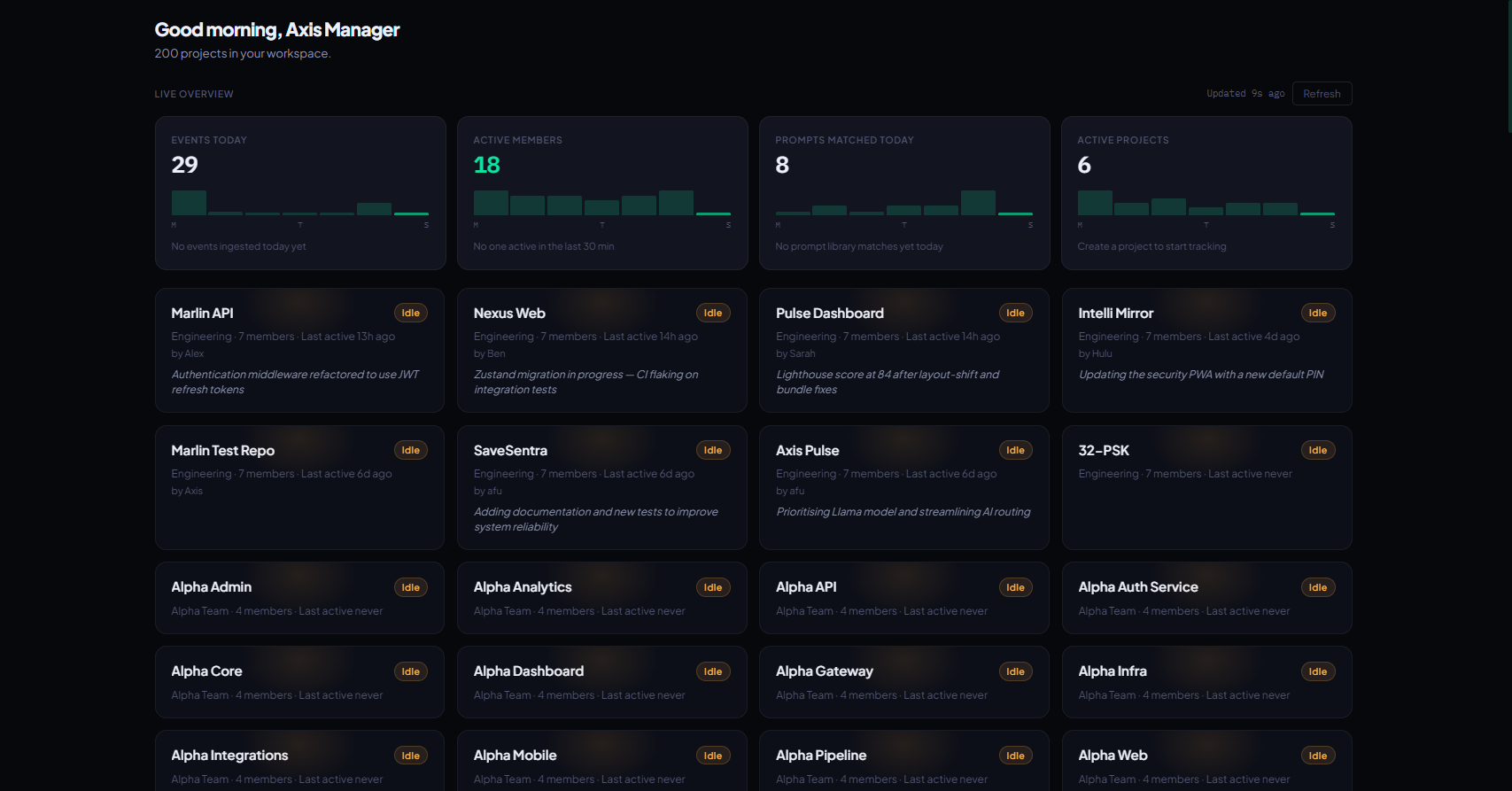
Axis Pulse dashboard showing project cards with 7-day sparklines and activity feed

PULSE · DASHBOARD

See every project

Live overview of every AI-augmented project your team is running — AI headlines, sparklines, and who's active right now.

  • Live Overview stats
  • Project cards with AI headline
  • Active-now feed
1,773test cases
$0AI cost when idle
On-deviceclassification
3security scanners

What it actually does

Every claim is grounded in wired, tested code — not a roadmap.

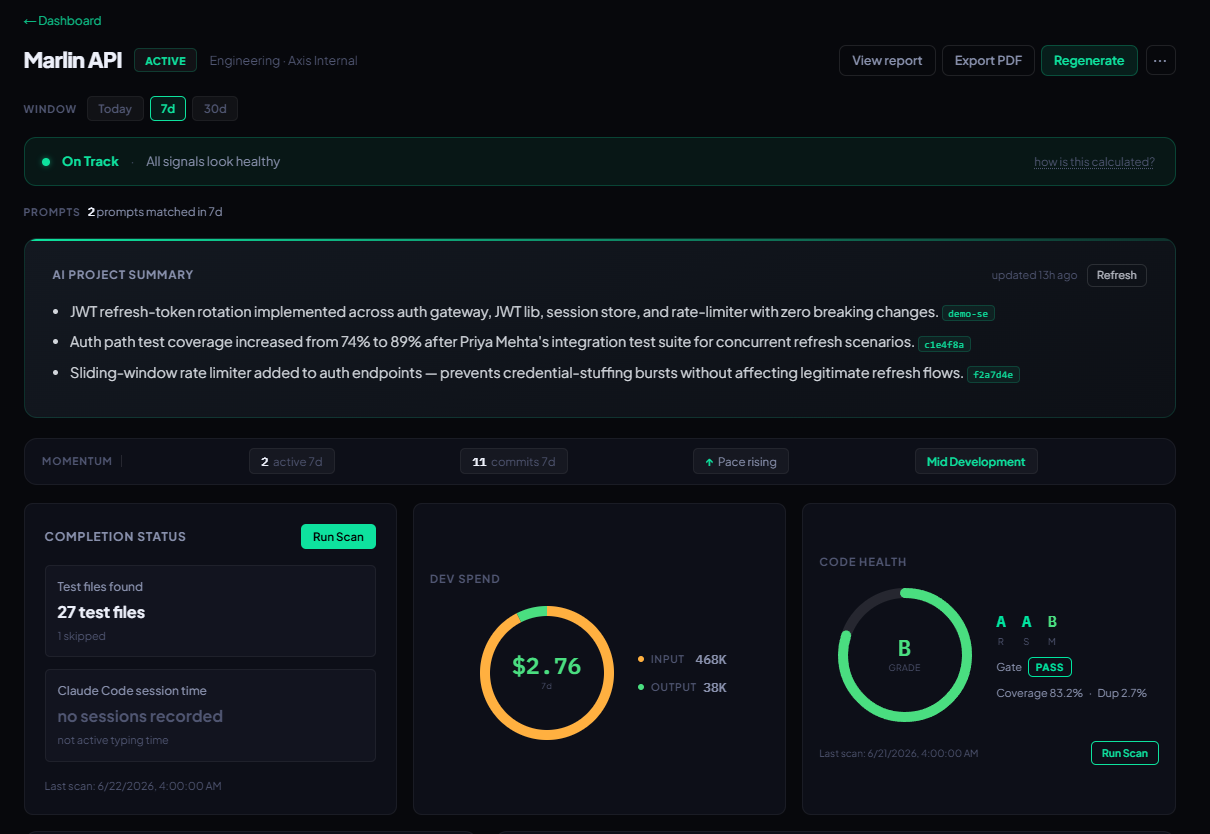
Spend to the dollar

Track your organization dev spend from high-level team scoped, down to granular per dev cost. Every Claude Code Stop hook fires a transcript read that extracts per-turn token counts by model and stores the pre-computed USD figure. Three Claude model tiers. No approximations.
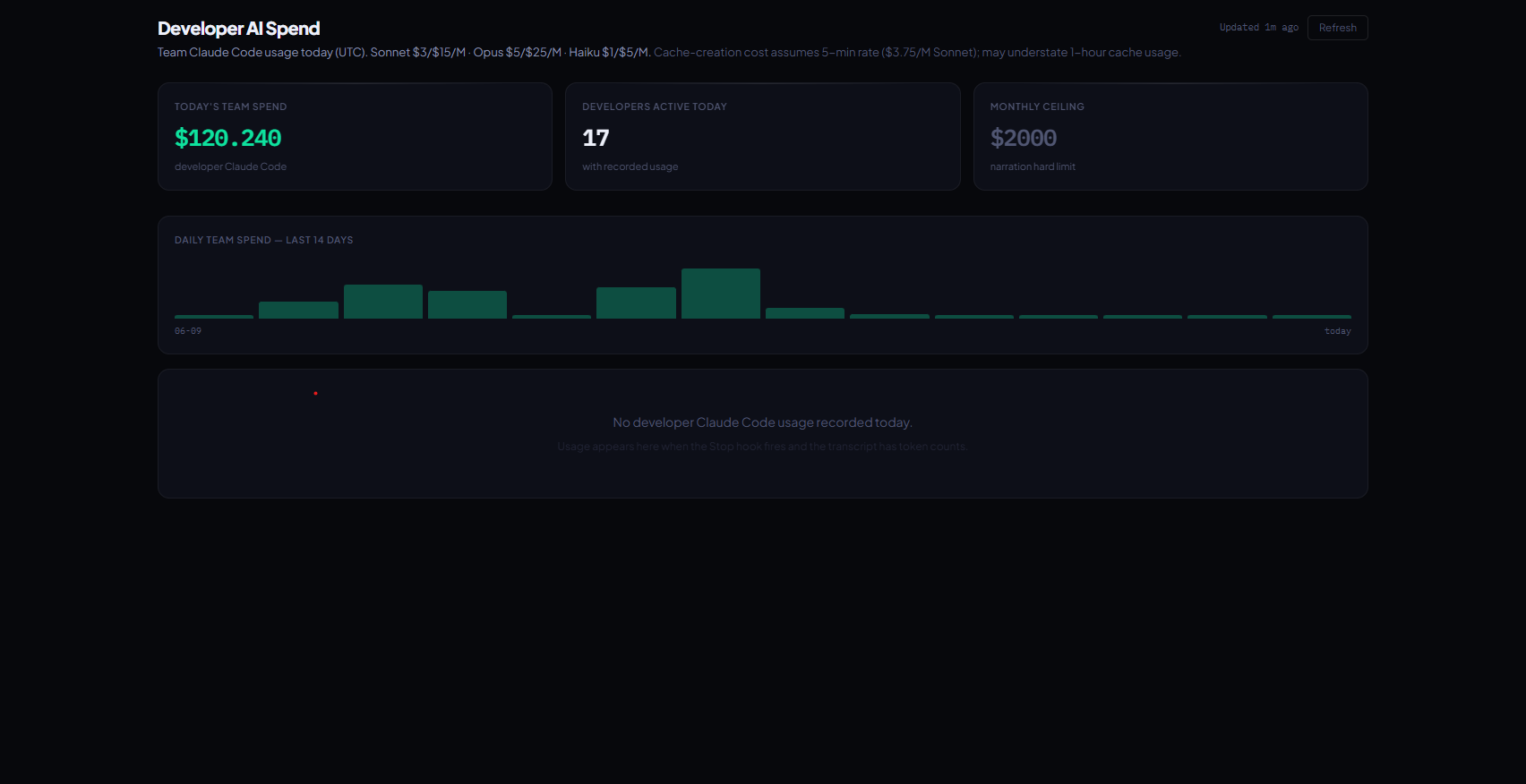
Cost dashboard showing today's AI spend, 14-day trend chart, and per-developer USD breakdown

AI-narrated stories

Forget reading raw logs. Our engines give you clear summaries of what each machine is building in plain English. Narration fires only when the SHA-256 hash of the current input differs from the last Intelligence row. A project with no new meaningful activity generates zero AI calls and zero cost.

Project detail showing verdict banner, AI narration paragraph, and sentence-level highlights

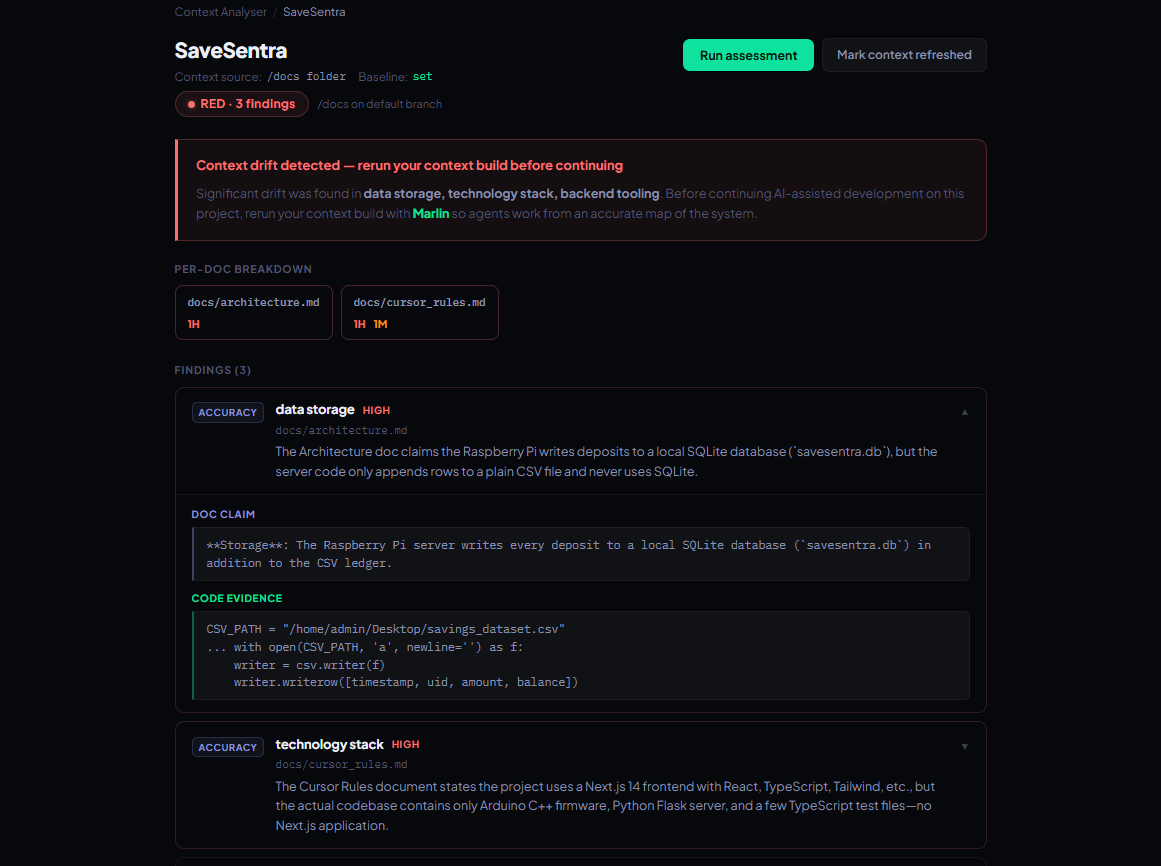
Context drift detection

Make sure agentic development never hits a blocker because your agent is out of context. When code diverges from the repo context snapshot, Axis Pulse fetches the GitHub Compare diff and runs AI analysis against the stored context. Risk levels are GREEN / AMBER / RED with structured findings.

Context analyser page showing projects with GREEN, AMBER, and RED drift risk chips

Honest completion

The Readiness Signals widget shows factual cells: test coverage from vitest, CI status from GitHub Actions, current build phase etc. No aggregated percentage ever computed.

Readiness Signals widget showing 4 factual cells: marker count, test coverage, CI status, and OLS marker forecast

Privacy by construction

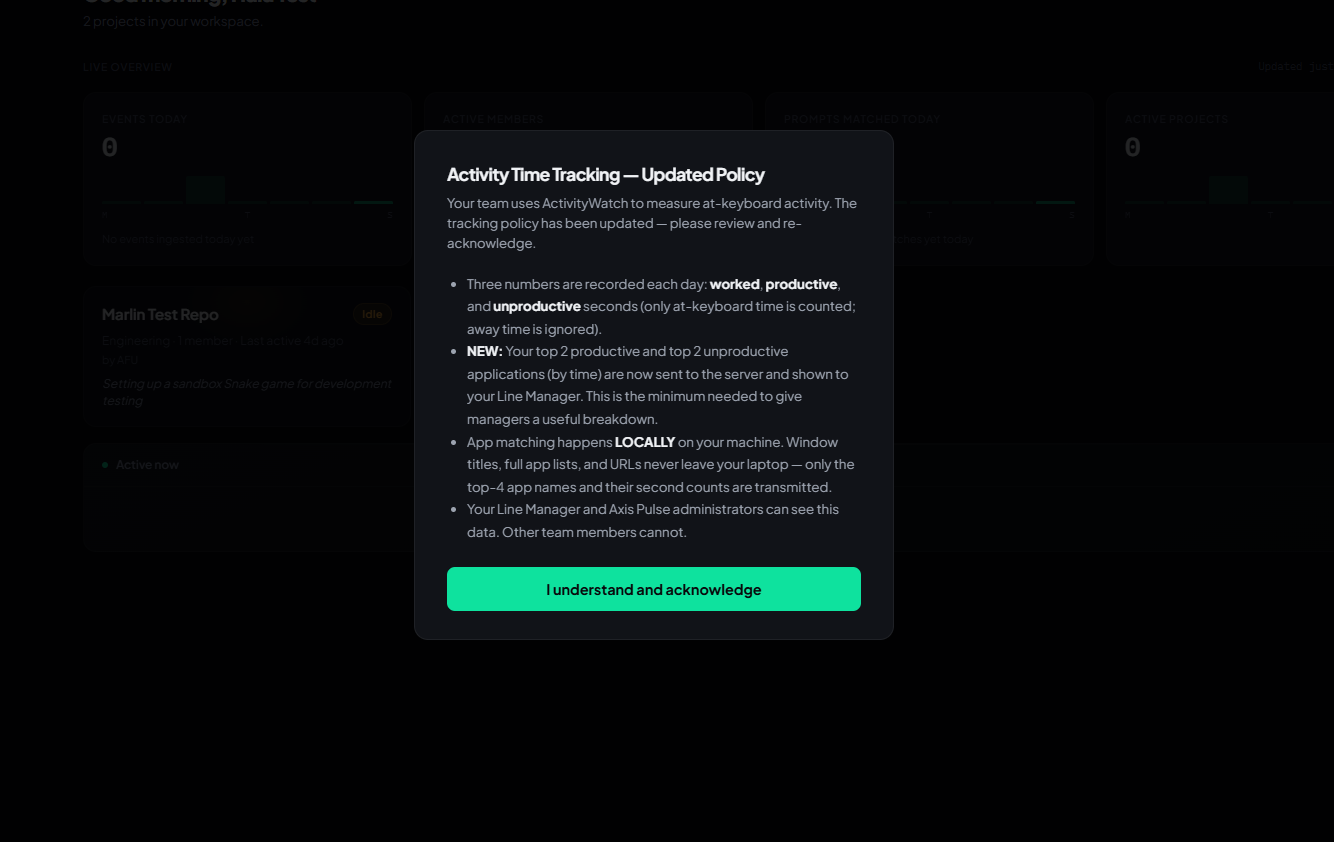
Understand where and how developers spend their time in your organization. The ActivityWatch agent runs on the developer's machine. Only three integers (worked / productive / unproductive seconds) and optionally top-app names leave the device. No screenshots. No process lists. Classification happens locally before transmission.

Activity Time Tracking consent modal showing the three-number privacy model and local classification policy

How it works

Self-hosted. No cloud agent.

Install on your server

Add your GitHub App. The install page gives you exact PowerShell commands for the hook scripts and Windows Task Scheduler registration.

Team codes with Claude Code

Each developer adds two hook scripts to their Claude Code settings — a Stop hook and a 5-minute ActivityWatch poll. They run locally — no cloud agent, no screensharing.

Pulse narrates automatically

Every Stop hook fires a narration. Delta gating skips identical runs. Your dashboard shows live narrations, spend, completion signals, and drift alerts — updated each session.

Who it's for

Built for managers at consulting firms running Claude Code. Not a fit for every team.

at consultancies running Claude Code

Engineering & Line Managers

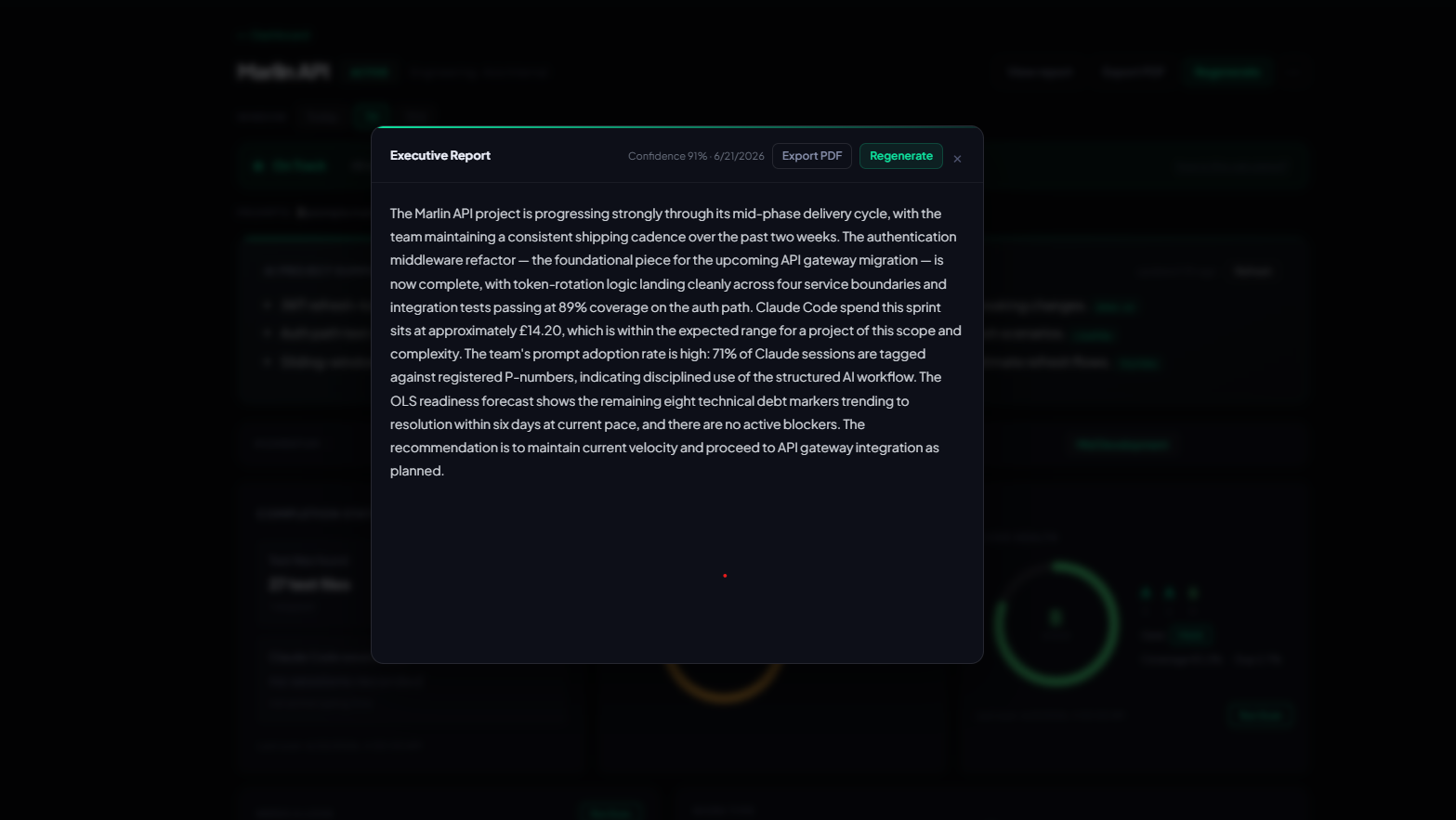
Know whether a project is moving, stalled, or at risk — without reading code. See Claude Code spend per developer and get a defensible executive summary on demand. Team-specific views show who is active now, what they committed, and whether your prompts are being followed. Time data is transparent and privacy-preserving — developers consent and know exactly what is sent.

organisations adopting Claude Code at scale

Companies wanting to enable Agentic Development

Give your organisation the visibility and controls needed to roll out Claude Code with confidence. Track spend across teams, monitor agent activity in real time, enforce prompts and workflows, and catch context drift before it blocks delivery — all without reading raw logs or writing custom tooling.

Not a fit

  • ×Individual developers tracking their own work (MEMBER role has read-only self-views only)
  • ×Large enterprises needing SSO or MFA — these are not implemented
  • ×Teams not using Claude Code — the pipeline is built around Claude Code hook events

Stop guessing what your AI team is doing.

Get started

Self-hosted. Honest signals.
No fake metrics.